

Interact With ElectricFM
Get in touch! Send us your song requests, comments, or whatever you'd like! Contact us using one of the methods below.
Get in touch! Send us your song requests, comments, or whatever you'd like! Contact us using one of the methods below.
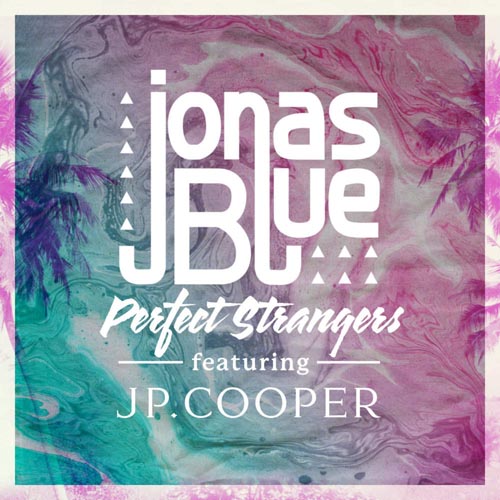 JONAS BLUE f/ JP COOPERPERFECT STRANGERS
 IIORAPTURE (RADIO EDIT)
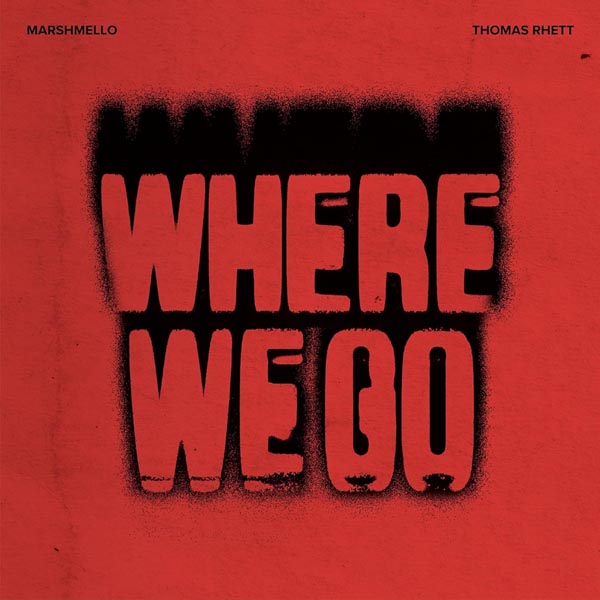 MARSHMELLO & THOMAS RHETTWHERE WE GO
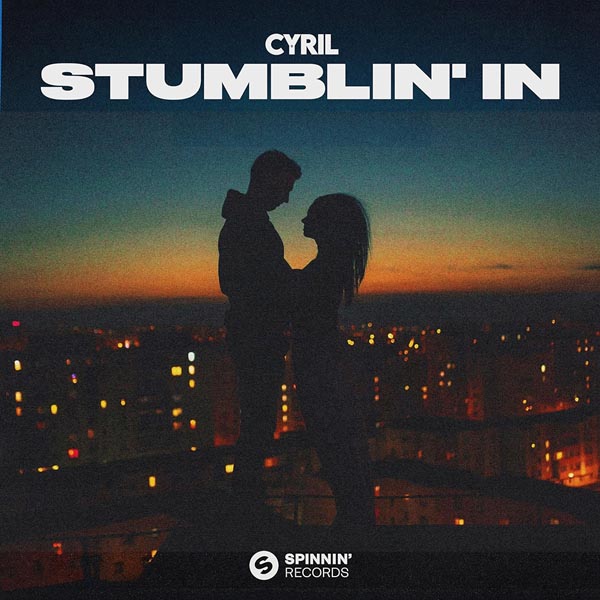 CYRILSTUMBLIN IN
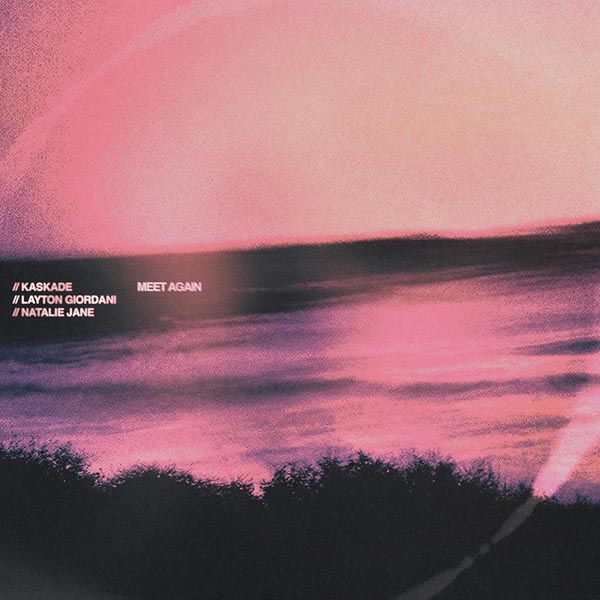 KASKADE, LAYTON GIORDANI & NATALIE JANEMEET AGAIN
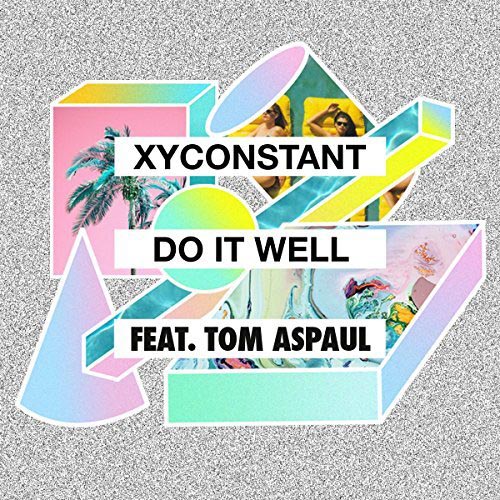 XYCONSTANT f/ TOM ASPAULDO IT WELL


ElectricFM is an online dance radio station broadcasting from New York City, NYC. We are commercial-free streaming radio. We will never charge our listeners to access our Internet dance radio station. ElectricFM began broadcasting in 2008, but took a break from 2017-2020.
In late 2020, ElectricFM was re-launched, and as of February 2021, we are back and better than ever! Stream pure dance hits on your computer, smartphone, or tablet with our free apps. Online dance radio never sounded so good! We welcome everyone back to America's Real Dance, ElectricFM!